Photo to sketch.
Graphite tone instead of flat outlines, in one conversion.
Pick Pencil sketch in the panel below.
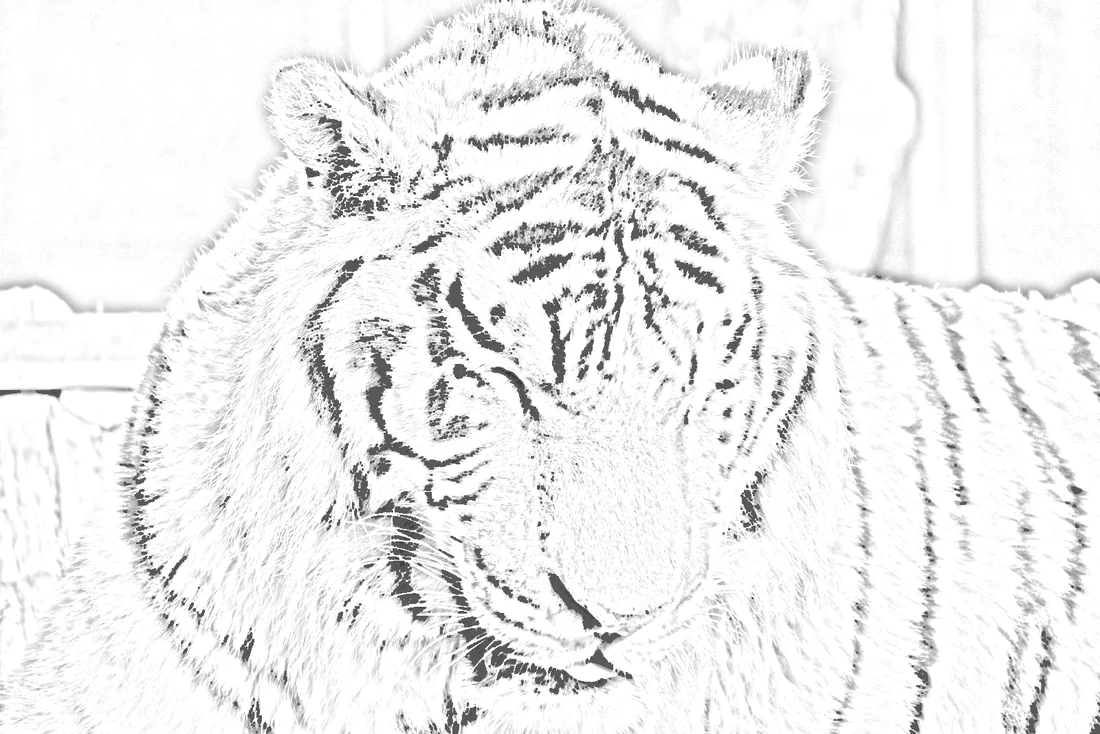
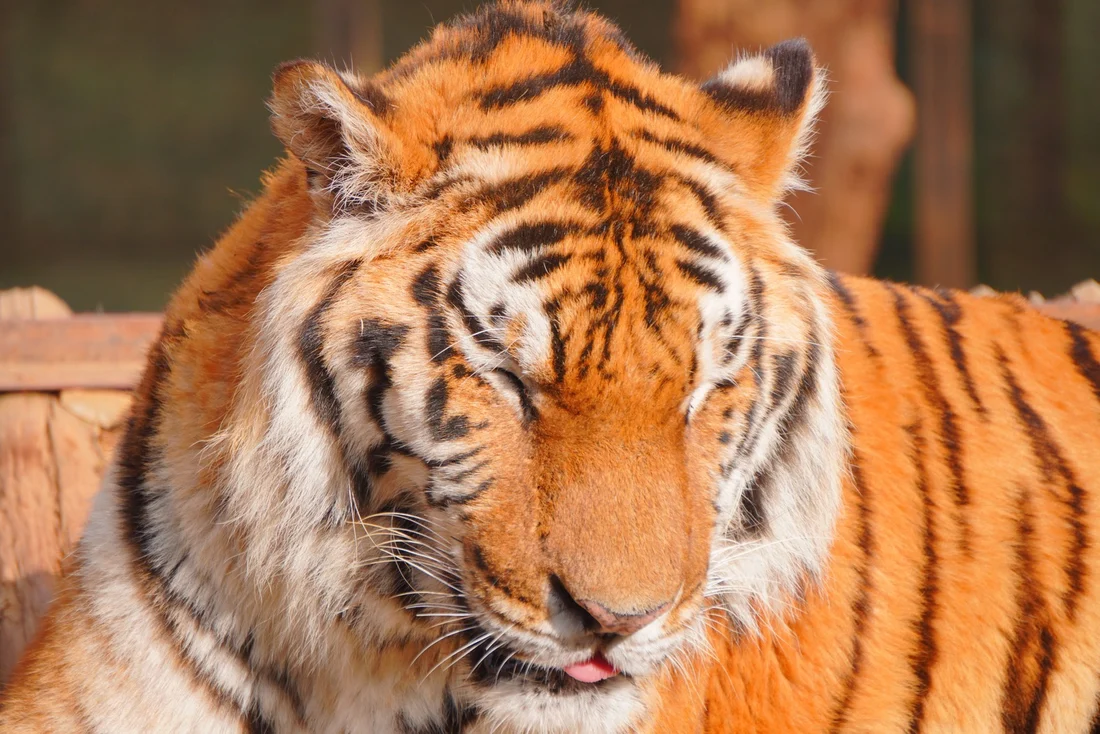
Drag left and right Pencil sketch, one conversion
Convert your own
The converter runs in this tab. Nothing is uploaded.
Choose a photo. Nothing leaves this device.
Which photos suit a sketch
Pencil behaves differently from ink because it needs tone to work with. These are the subject-specific limits, measured rather than guessed.
| Subject | Verdict | What happens |
|---|---|---|
| Portraits | Well suited | Tone carries facial structure; keep Detail at 2 to avoid grain on smooth skin. |
| Pets | Mixed | Fur can turn noisy at high Detail. Start low; full pet results are pending the stress test. |
| Landscape | Goes sparse | Large flat areas have few edges. Use Detail 1 or the pen ink style instead. |
| Pale objects | Avoid for pencil | In testing a white cup returned an almost empty sketch; the coloring page style found its outline. |
For outline work rather than tone, use the main photo to line drawing converter; for printable closed shapes, use the photo to coloring page tool.
Sketch questions
Three answers specific to the pencil style.
How do I turn a photo into a pencil sketch?
Drop a photo into the panel, select the pencil sketch style, and convert. Unlike the ink and coloring styles, pencil keeps tonal shading instead of reducing everything to black lines on white.
Why did my sketch come out too faint?
Pencil relies on contrast to build graphite tone. On an open landscape or a pale, low-texture subject there is little to shade, so the result goes sparse. Use Detail 1 for these, or switch to pen ink, which held up better on the same landscape in testing.
Is a pencil sketch better than a line drawing for a gift?
For framing and gifts of people or pets, yes. Shading preserves a likeness that a flat outline loses. For something you will trace, color in, or transfer as a stencil, use the coloring page or ink style instead.