210 × 297 mm, the standard outside the US. Fit-to-page with a 10 mm margin keeps every outline on the paper.
Photo to coloring page.
Closed black outlines, built to be printed and colored in.
Free and printable, with no upload.
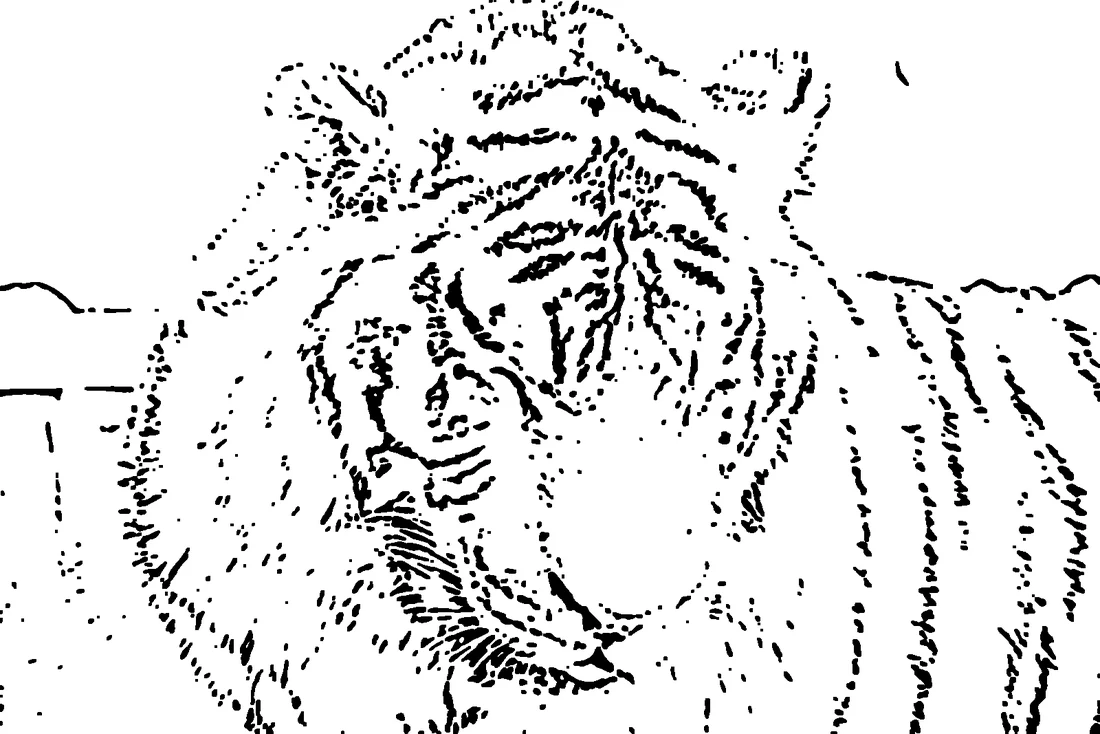
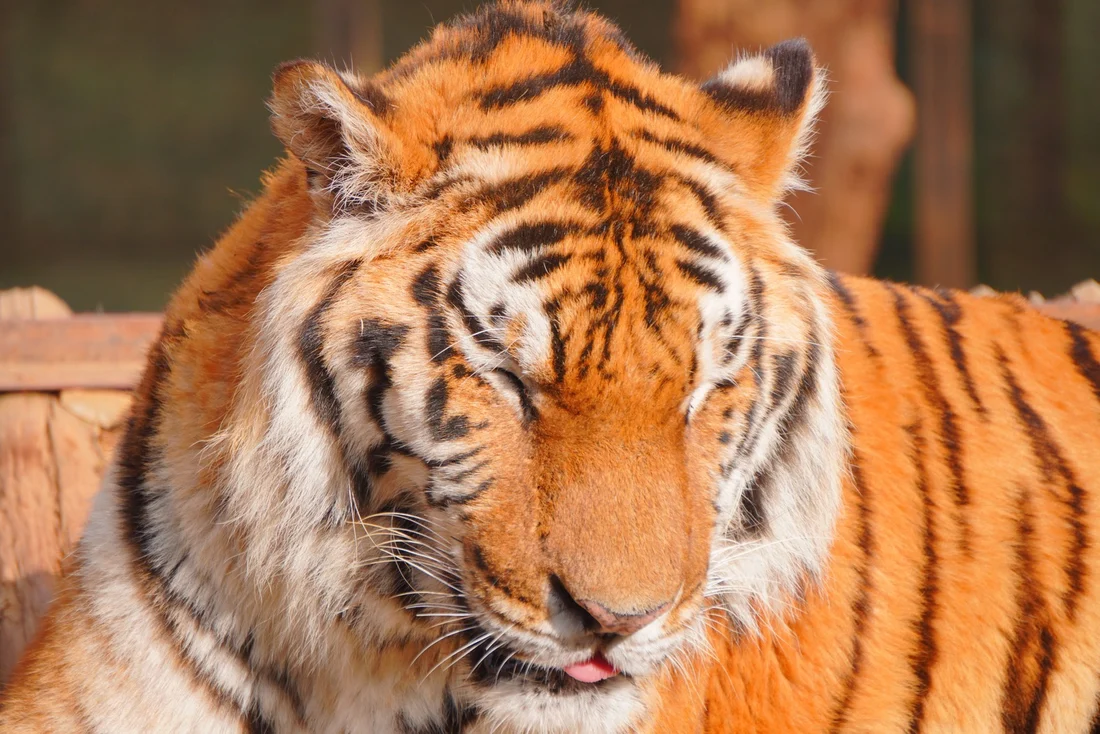
Drag left and right Coloring page style, made to be printable
Make your own printable
Pick the coloring page style in the panel. The Detail slider is the line density control described below.
Choose a photo. Nothing leaves this device.
Batch
Printing the page
The output is a black-and-white PNG, so there is no color ink to spend. These are the sizes people actually print.
8.5 × 11 in. Use the same fit-to-page setting; the square output centers with white space on the sides.
PNG at up to 1600 px. A PDF can be made from the print dialog, which is the cleanest route for a printable file.
Two densities, two audiences
The same photo produces a different coloring page depending on the Detail level. This is the main decision on this page.
Kids and markers
Detail 1 keeps large open shapes and few internal lines, so a marker can fill an area without crossing edges. Best for younger children and bold coloring.
Adults and pencils
Detail 3 adds the finer lines that colored pencil work rewards. It suits portraits with clean backgrounds, not busy scenes that would fill to black.
When it fills solid
Dark clothing, shadows and dense textures collapse into black because there are no white gaps left. Re-shoot with more even light, or lower Detail.
Coloring page questions
Questions from people who want something they can actually print and hand over.
How do I turn a photo into a coloring page?
Drop a photo, choose the coloring page style, then download and print. The style forces every line to black on white, which is what a coloring page needs rather than grey shading.
What makes a photo good for a coloring page?
Closed shapes with clear edges and not too much fine texture. A face on a plain background works; a busy crowd or leafy foliage tends to fill in solid black, leaving nothing to color.
Can I print it on A4 or Letter paper?
Yes. The PNG exports at up to 1600 pixels on the long side, which prints cleanly at A4 and Letter at 150 dpi. Leave a small margin in your print dialog so the outer lines are not clipped.
What is the difference between the kids and adult line density?
Lower Detail keeps only strong outlines, giving the large open shapes a child can color with markers. Higher Detail adds finer lines for adult coloring with colored pencils, but closes some of the white space.
Is the coloring page really free to print?
Yes, with no watermark and no account. You can print as many copies as you like for personal use; the file is generated on your own device.
Are my photos uploaded to make the printable?
No. The conversion runs in the browser and the printable is produced locally, so the source photo is never sent to a server.
Related tools: the line drawing generator for full parameter control, the photo to sketch page for tonal pencil output, and the how to turn a photo into a line drawing guide.