Line drawing generator.
Set the weight and the detail yourself, then download the PNG.
Runs locally, in about a quarter of a second.
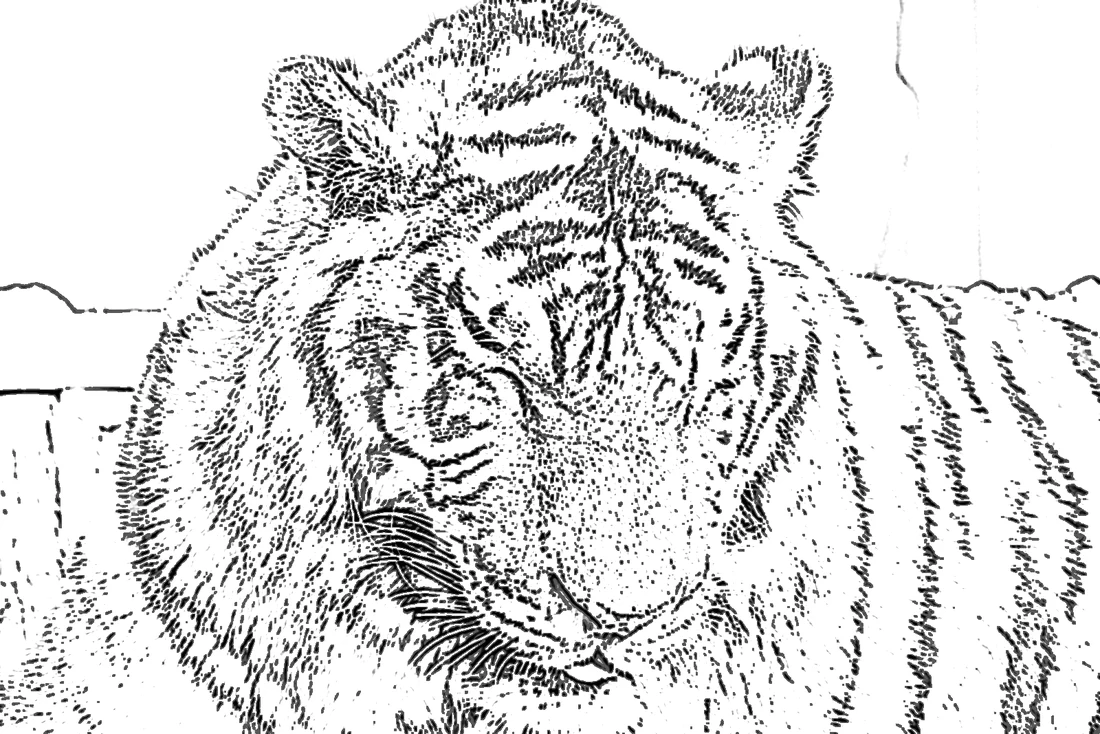
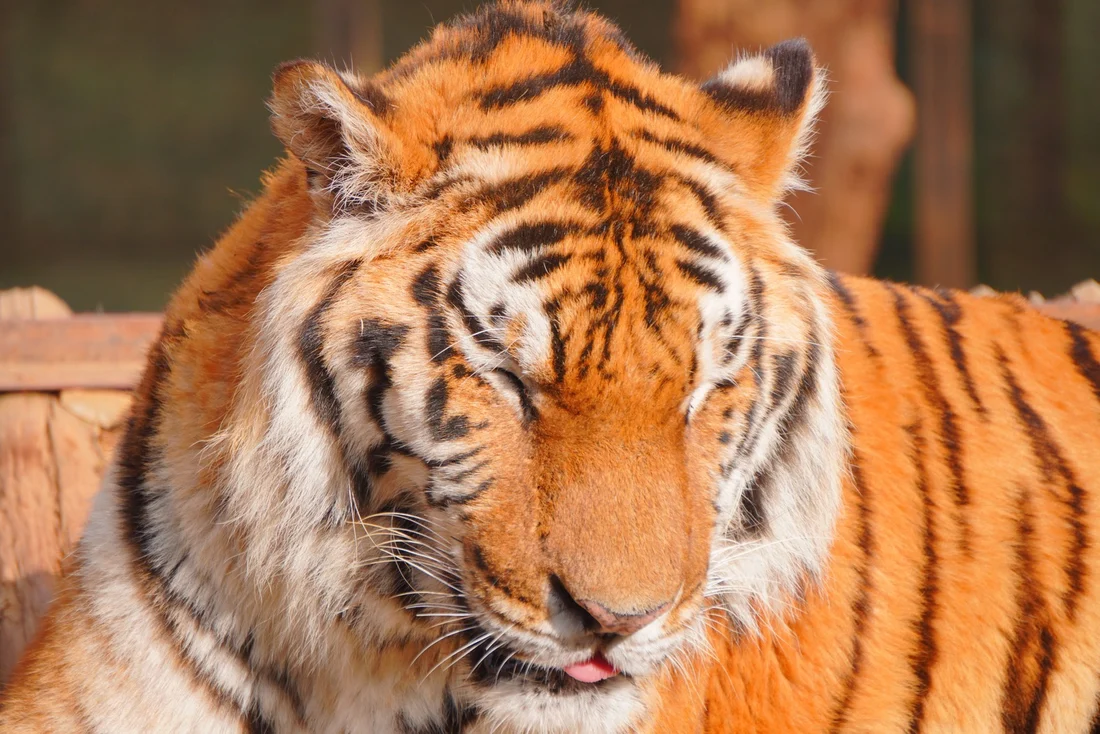
Drag left and right Pen ink, one conversion
Convert your own
The converter runs in this tab. Nothing is uploaded.
Choose a photo. Nothing leaves this device.
What the two sliders actually do
The two numbers behind the result.
Line weight
One engraves, two prints, three photocopies.
Detail
Low drops faint edges. High keeps texture and speckle.
Coloring page versus ink
Coloring page is binary. Ink keeps hatching.
Converting several photos at once
The panel accepts a batch. These are the things that actually matter when you run one.
One setting, every file
Style, Detail and weight apply to the whole batch, so group photos that need the same treatment before you start a run.
Each file is processed on its own
A photo that fails is skipped rather than stopping the queue, and the status line names it so you can retry it separately.
Memory stays flat
Every file is reduced to 1600 pixels on the long side before processing and released after, so a large batch does not grow the tab.
Downloads arrive separately
All results download as individual PNGs named after the source, because browsers block a single archive from a local blob.
Generator questions
Three answers before you convert.
What does the line weight slider change?
It sets line thickness, from hairline to marker.
What does the detail slider change?
It decides how faint an edge can be before it is dropped.
How big a file can it take?
12 MB. The long side is reduced to 1600 pixels.
Why is a light subject on a light background weak?
It finds contrast, not objects, so low-contrast subjects give few lines.